Geoprocessing parameter types
Parameter types used in geoprocessing widgets are as follows:
- GPBooleanCheck the check box to set the default value to true.

- GPDoubleEnter a numeric value for the default or leave the field blank.
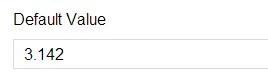
- GPLongEnter a long integer value for the default or leave the field blank.
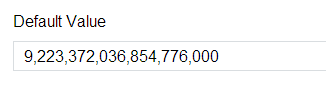
- GPStringEnter a text value for the default or leave the field blank.
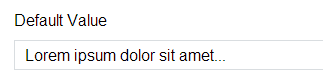
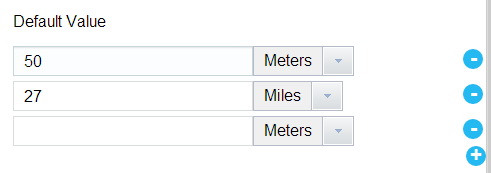
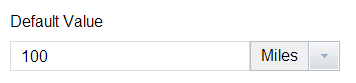
- GPLinearUnitEnter a numeric value for the default or leave the field blank. Select a default unit of length.
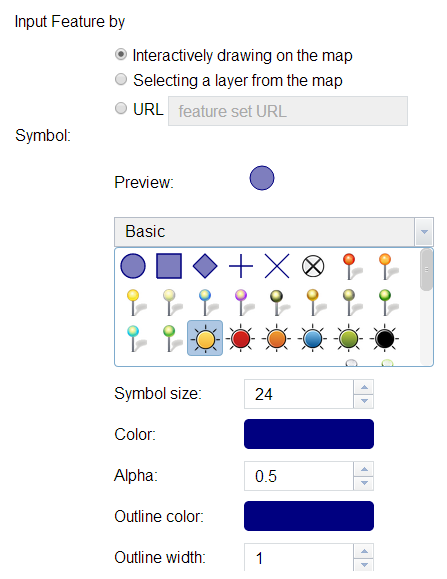
- GPFeatureRecordSetLayerChoose the symbol shown for the input or output features. Reference the Draw widget for the complete set of symbol options.
 Note:
Note:Currently, ArcGIS Web AppBuilder does not support attributes for input features.
- GPRecordSet
- GPDateEnter a date and time value for the default or leave the fields blank.

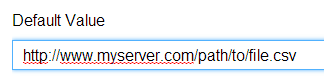
- GPDataFileAdd a URL or upload a file in the data field as the default or leave the field blank.
- GPRasterData—This parameter type is currently not supported by Web AppBuilder.
- GPRasterDataLayer
- GPMultiValue:GPParameterTypeThe interface displayed by the multivalue selector varies based on the parameter type. Click + to add a default value or click - to remove one.